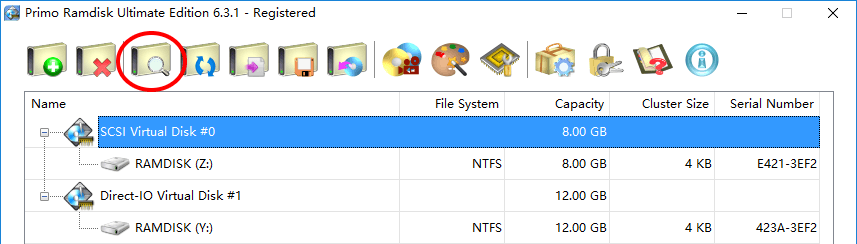
To view or change the settings of a virtual disk, click to highlight the disk entry in the disk list, and then click on the  icon button in the command toolbar. Alternatively, you may double-click on the disk entry in the list to view or edit its settings.
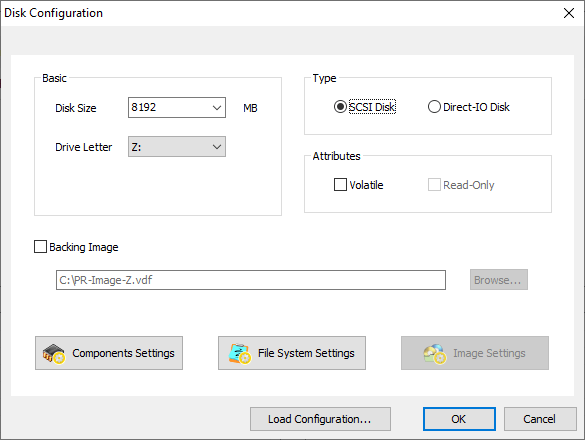
A "Disk Configuration" dialog will pop up as the below figure shows. It is for the most part similar to the creation dialog described in Create Virtual Disks.
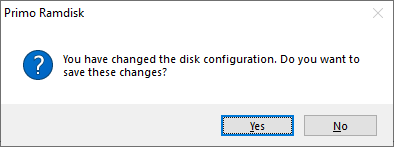
If you do not want to change the settings, simply close the dialog or click Cancel to exit the dialog. Otherwise Primo Ramdisk will check if you changed any setting or not. If any changes are detected, Primo Ramdisk will pop up a message box asking for confirmation. Click Yes to save the changes, No to discard the changes.
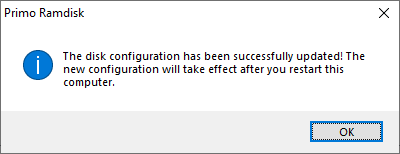
Restart the computer to apply the new settings if you are prompted to do so.